


ASIC Miner Maintenance Guide 2026: How to Keep Your Bitcoin Miner Running Properly

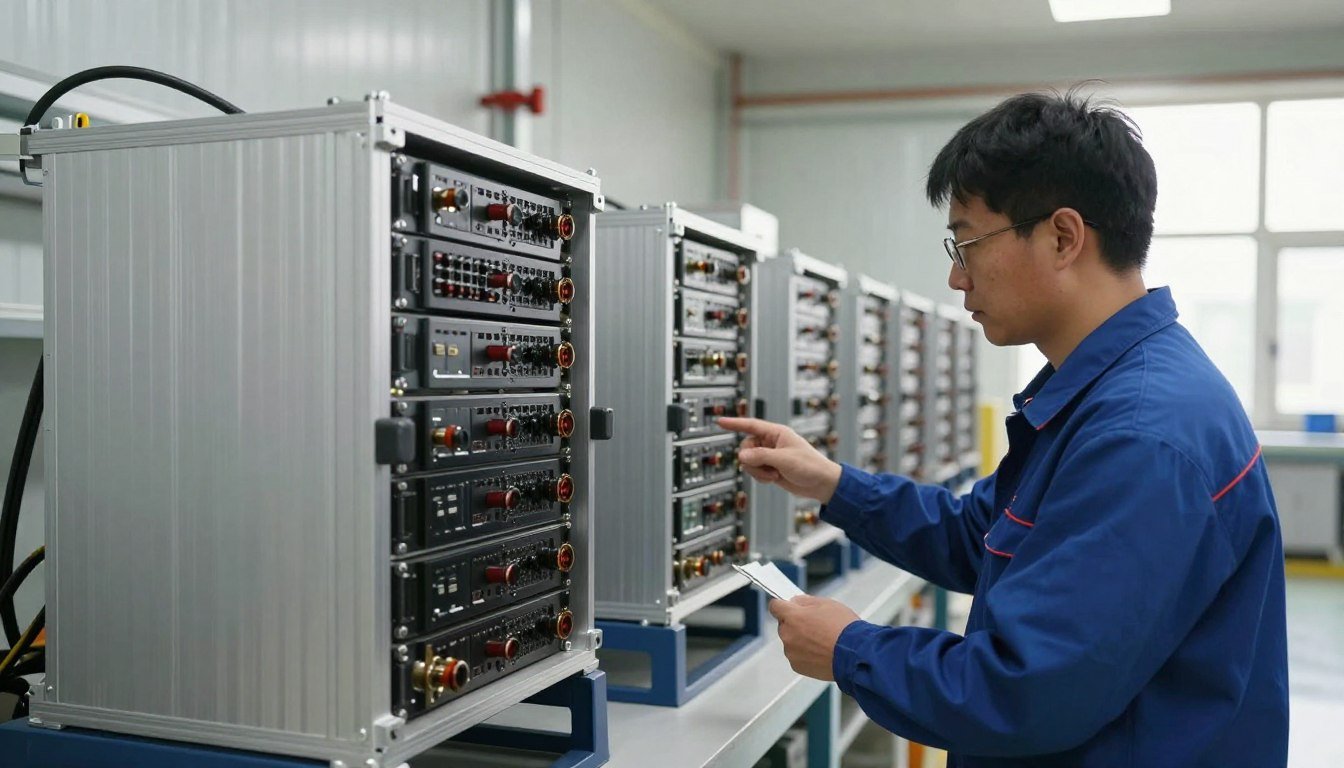
The right maintenance routine depends on ambient air quality, local humidity, intake filtration, and the specific chassis design of the deployment. Following structured inspection intervals keeps Bitcoin mining hardware operating within manufacturer thermal limits across changing seasonal conditions.
What Is ASIC Miner Maintenance?
ASIC miner maintenance is the scheduled inspection, physical cleaning, and software auditing of application-specific integrated circuit hardware. Unlike general personal computers, dedicated hashing rigs draw thousands of watts continuously, pulling vast volumes of ambient air across microscopic heatsink fins.
Standard care involves monitoring hashboard temperatures, verifying fan rotational performance, inspecting terminal cables for heat discoloration, and removing debris from intake grilles. Hardware operators running equipment from Bobbie Hash Matrix balance physical cleanliness with steady network monitoring to maintain smooth hash generation.
Regular maintenance does not modify chip clock speeds or alter factory firmware protections. The primary objective is preserving optimal factory cooling pathways and stable power delivery.
Consistent oversight allows operators to identify declining fan bearings, degraded network cables, or blocked air intake filters before minor thermal friction turns into a sudden system shutdown.
Why Regular ASIC Miner Maintenance Matters
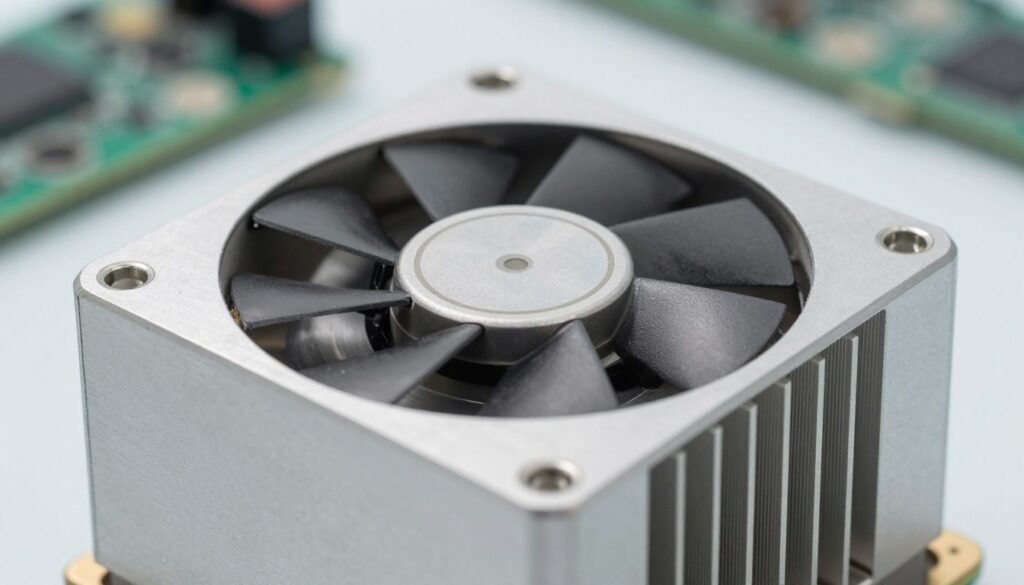
Constant high-volume airflow pulls microscopic airborne particulate matter directly into the tightly spaced fins of miner hashboards. Over uninterrupted operating periods, dust forms an insulating blanket that blocks conductive heat dissipation from the silicon chips to the surrounding airstream.
Restricted airflow forces cooling fans to spin at maximum speed for extended durations, accelerating mechanical bearing wear. When operating environments experience high ambient humidity alongside dust buildup, the accumulated layer can absorb moisture and create localized electrical resistance risks across circuit traces.
Elevated operating temperatures trigger automatic thermal throttling routines embedded in machine control boards. When chips exceed upper thresholds, the control board reduces frequency or drops whole hashboards offline to prevent permanent silicon breakdown.
Routine Bitcoin miner maintenance stabilizes thermal balance across individual hashboards without introducing physical stress to delicate surface-mount components. Keeping airflow clear supports steady operational efficiency and protects structural hardware reliability over extended computing schedules.
ASIC Miner Maintenance Checklist
A standardized inspection checklist keeps routine audits structured and repeatable across single units or multi-tier shelving setups. Performing regular physical and digital checks catches developing mechanical resistance before control boards register critical faults.
- Exterior chassis inspection for physical distortion, loose assembly screws, or bent fan guards.
- Intake and exhaust honeycomb grilles checked for lint, insect debris, or heavy dust crusts.
- Cooling fan blades examined for surface buildup, balance wobble, and abnormal bearing resistance.
- Power supply unit exterior and cooling intake inspected for unrestricted air passage.
- Power cables, terminal lugs, and plug connectors audited for warping, brittle jackets, or burn discoloration.
- Hashboard chip temperatures and control board thermal readings checked against manufacturer specifications.
- Ethernet cables and switch ports inspected for physical seating and link integrity.
- Reported pool hash rate compared against local dashboard figures to spot silent board dropouts.
- Hardware error logs audited in the web interface for abnormal chip response rates.
- Firmware version checked for manufacturer security patches and stability updates.
How to Clean an ASIC Miner
Safe ASIC miner cleaning requires strict adherence to power isolation protocols before any physical tool touches the hardware. Cleaning energized electronic equipment creates catastrophic shock hazards and risks frying sensitive control boards through electrostatic discharge.
- Prepare a dry, well-ventilated work area equipped with an anti-static mat, grounded wrist strap, and dry compressed air.
- Initiate a graceful shutdown through the miner web management interface, allowing fans to spin down completely.
- Disconnect all alternating current power cords from the wall outlet or power distribution unit according to manufacturer instructions.
- Unplug the Ethernet communication cable and disconnect the direct-current power leads running from the power supply to the hashboards.
- Wipe the exterior casing with a clean, dry microfiber cloth to remove loose surface dirt.
- Hold fan blades stationary using a non-conductive wooden or plastic probe while applying short bursts of dry compressed air to clear blade surfaces.
- Direct dry compressed air straight through the heatsink channels from the exhaust side backward through the intake to dislodge settled dust cakes.
- Inspect internal channels with an LED work light to verify clear sightlines through all heatsink fins without using any liquids or abrasive tools.
- Reattach all power and data harnesses securely, reconnect electrical cords, power on the unit, and monitor the boot sequence until hashing stabilizes.
Never spray liquid cleaners, solvents, or water-based detergents onto hashboards, power units, or internal circuitry. Liquids cause chemical corrosion on microscopic copper traces and inevitably produce catastrophic short circuits upon re-energization.
ASIC Miner Cooling and Temperature Management
Application-specific integrated circuits generate intense localized thermal energy because hundreds of processing cores compute mathematical hashes simultaneously in a compact space. Without constant, uninterrupted convective cooling, the metallic junctions inside the silicon package overheat rapidly.
Effective ASIC miner cooling relies on a positive directional pressure differential between cold intake air and hot exhaust air. Operators maintaining Bitcoin miners must prevent hot-air recirculation, where thermal exhaust drafts curl backward into the machine intake face.
Acceptable operational temperatures vary widely by manufacturer and specific model architecture. Always reference official manufacturer technical documentation rather than relying on arbitrary third-party temperature benchmarks.
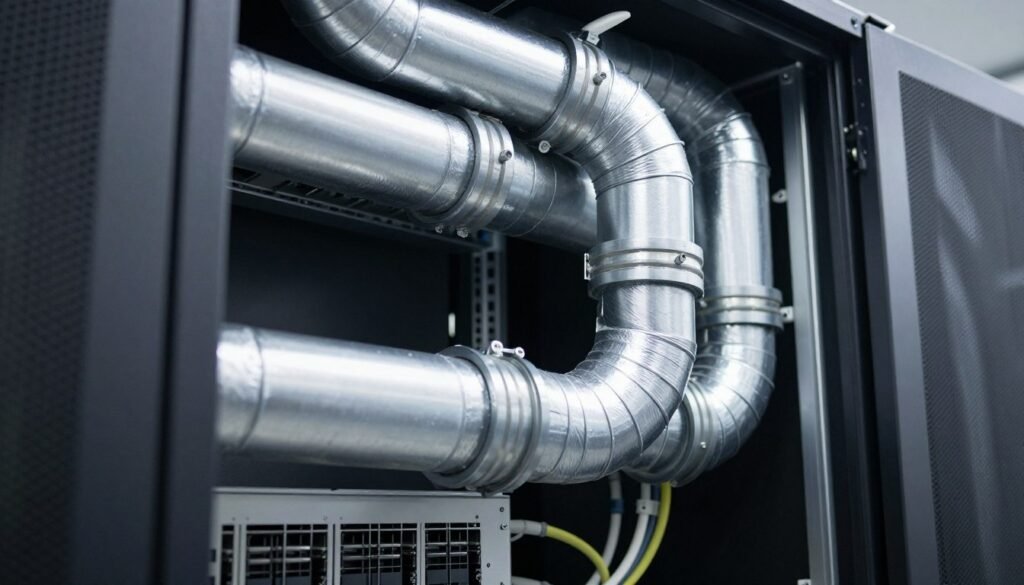
High ambient room temperatures compound internal heatsink resistance by diminishing the cooling capacity of passing air. Proper facility ventilation, ducting hoods, and continuous intake air filtration keep chip operating levels safely within factory tolerances.
ASIC Miner Fan Maintenance
High-static-pressure cooling fans represent the primary mechanical moving components on an air-cooled mining chassis. Operating continuously at high rotational speeds subjects the internal dual-ball bearings to persistent friction, vibrational strain, and airborne particulate intrusion.
Routine fan inspection involves listening for unusual high-pitched whining, grinding noises, or rhythmic clicking during steady-state operation. Visual inspections should verify that blades rotate smoothly on their central axis without axial wobble or contact against the circular shroud.
Routine Fan Care Actions
- Clearing dust cakes from leading blade edges using dry compressed air.
- Holding blades stationary during air blasting to prevent bearing overspeed.
- Verifying that fan tachometer readings match expected speeds in the diagnostic console.
Indicators for Fan Replacement
- Persistent metallic scraping sounds indicating collapsed internal bearings.
- Sharp rotational speed fluctuations that trigger firmware warning alerts.
- Visible blade chipping, cracked central hubs, or severe axis wobbling.
When an internal fan motor fails or drops below minimum operating speeds, the control board halts hashing to protect the underlying boards. Replacing a worn fan promptly prevents prolonged downtime and eliminates unnecessary thermal cycling.
Power Supply and Cable Checks
Mining power supply units convert incoming high-voltage alternating current into high-amperage direct current required by sensitive hashboards. Because these power units sustain heavy continuous electrical loads, physical cable integrity demands regular visual audits.
Inspect heavy-gauge power leads, busbars, and terminal connectors for brittle insulation, discoloration, or melting around plug housings. Loose terminal connections increase electrical resistance, generating dangerous contact heat that can scorch circuit boards or fuse plastic connector clips.
Never open, disassemble, or attempt internal repairs on a power supply casing. Power supplies house high-voltage capacitors that retain lethal electrical charges long after power is disconnected; always consult a qualified electrician or technician for power repairs.
Ensure that all terminal screws on direct-current busbars remain tightened to manufacturer specifications using insulated hand tools while the unit is fully disconnected from the power source.
Monitoring Hash Rate and Hardware Errors
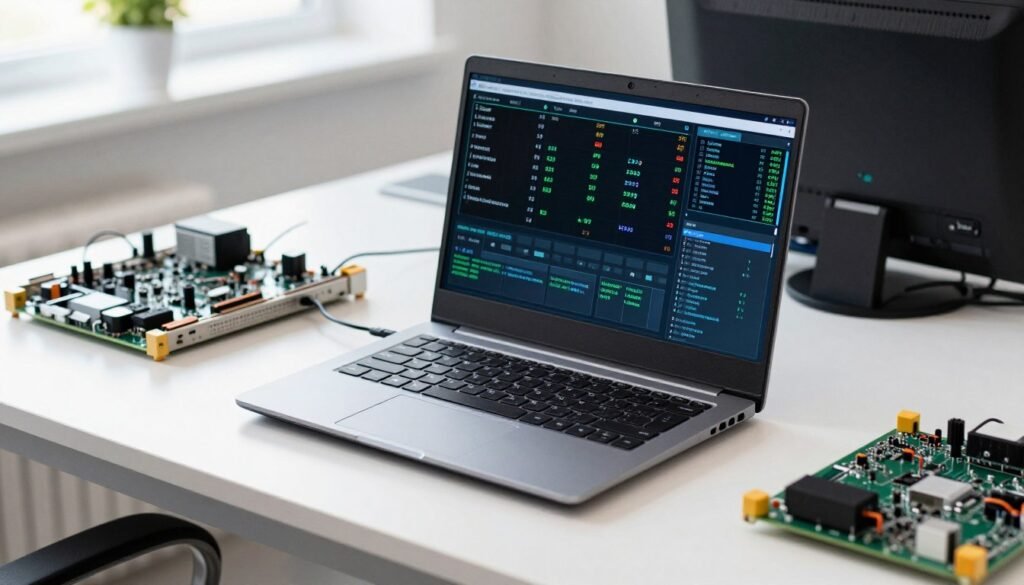
Digital diagnostics provide real-time visibility into the internal operating health of an ASIC rig before physical symptoms become visible. The local miner management dashboard tracks individual board status, frequency levels, chip counts, and hardware error generation.
Occasional hardware errors occur naturally during high-volume mathematical calculations, but a sharp upward spike on a single board indicates communication breakdown or thermal degradation. When chips fail to return valid calculation shares, the control board records repeated timeout warnings in the diagnostic kernel log.
Frequent automatic restarts or sudden drop-offs in pool-reported hash rate often point to power fluctuations, unstable network routing, or thermal cutoff safety triggers.
Operators should compare internal dashboard telemetry against mining pool records daily. Discrepancies between local hash generation and pool acceptance rates help isolate local network packet loss, intermittent firmware stalls, or failing hashboard chips.
Air-Cooled vs Hydro-Cooled vs Immersion-Cooled ASIC Miners
Modern ASIC mining hardware employs different thermodynamic strategies to handle heat rejection from dense silicon architectures. Air-cooled units remain standard for home and container deployments, while liquid setups serve specialized high-density industrial mining environments.
| Cooling Method | Basic Maintenance | Airflow Requirements | Environmental Needs | Maintenance Complexity |
| Air-Cooled | Fan and dust cleaning | Continuous fresh air | Dust filtration needed | Straightforward mechanical care |
| Hydro-Cooled | Coolant, loop, radiator | External dry coolers | Closed-loop water treatment | Moderate plumbing oversight |
| Immersion | Dielectric fluid checks | External fluid exchangers | Specialized sealed tanks | Specialized fluid management |
Choosing between air-cooled hardware and specialized liquid designs involves balancing physical maintenance procedures against local facility infrastructure. Those operating equipment such as Bitmain Antminer miners or MicroBT WhatsMiner miners must follow the cooling parameters detailed in the equipment manufacturer documentation.
ASIC Miner Maintenance Schedule
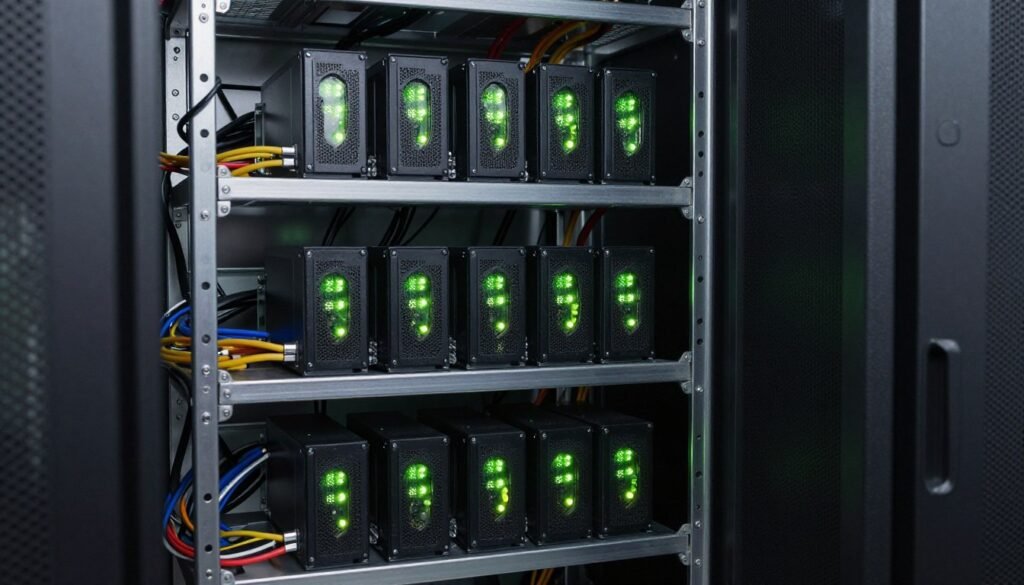
Establishing a structured maintenance timetable prevents oversight and keeps mining equipment operating steadily. Maintenance intervals should adapt to local environmental factors, such as airborne dust density, seasonal humidity changes, and ambient operating temperatures.
| Frequency | Recommended Checks |
| Daily | Review dashboard temperatures, hash rates, and active chip counts online. |
| Weekly | Inspect fan tachometer speeds and audit system logs for hardware errors. |
| Monthly | Visually inspect power cords, terminal lugs, and external intake grilles. |
| Quarterly | Perform safe power shutdowns to blow accumulated dust from heatsink fins. |
| As Needed | Replace noisy fan assemblies and install authorized manufacturer firmware patches. |
Farms situated in arid, dusty regions require more frequent physical dust extraction than sealed, climate-controlled data facilities. Tailor cleaning routines directly to observed physical buildup inside heatsink channels.
Maintaining a Used ASIC Miner
Acquiring second-hand mining machines demands an exhaustive physical and operational evaluation before placing hardware into continuous hashing service. Pre-owned machines carry unique operating histories, varying exposure to environmental dust, and diverse levels of thermal wear.
Begin by inspecting the external aluminum casing for warped panels, stripped screw heads, or corrosion marks that suggest storage in damp spaces. Look closely through the intake grilles to spot heatsink fin deformation, broken thermal interface pads, or baked-on dust crusts from past operating environments.
Inspect all direct-current terminal blocks on the hashboards and power supply for subtle heat scorching, melted plastic clips, or copper discoloration caused by poor terminal contact.
Power up the hardware in an isolated testing area to verify that all installed hashboards initialize correctly and show normal chip counts. Reviewing diagnostic telemetry on pre-owned SHA-256 ASIC miners confirms that cooling fans spin up smoothly and hold stable rotational speeds without abnormal bearing chatter.
Common ASIC Miner Maintenance Mistakes
Preventable maintenance errors frequently cause unnecessary operational downtime and hardware failure. Avoiding these common practices helps protect sensitive mining components over daily operating cycles.
- Allowing dust blankets to choke heatsink passages, leading to severe thermal throttling.
- Placing machines too close to solid walls, restricting exhaust dissipation and natural airflow.
- Failing to isolate exhaust heat, allowing hot air to recirculate directly into cold air intakes.
- Ignoring grinding or rattling fan bearing noises until a cooling unit seizes mid-operation.
- Operating equipment in damp, unconditioned outbuildings with fluctuating condensation levels.
- Attempting to blow out dust with compressed air while the miner remains powered on and hashing.
- Overlooking persistent dashboard temperature warnings until chips enter emergency shutdown.
- Attempting DIY repairs on high-voltage power supplies instead of consulting certified technicians.
Safe operational protocols protect both the physical hardware and the operator. Simple adjustments to airflow management and cleaning habits keep equipment running reliably within safe operating boundaries.
When to Contact a Professional
Routine tasks such as cleaning dust from heatsinks, changing external fan assemblies, and checking terminal cables fall comfortably within standard operational maintenance. However, advanced component faults require specialized electronic diagnostics and precision tools.
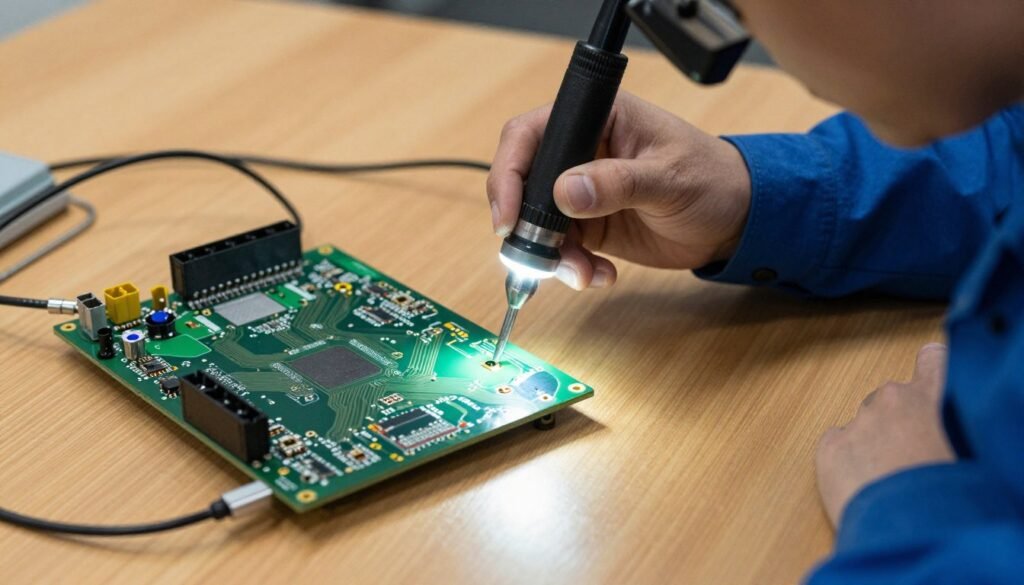
Hashboard chip failures, broken surface-mount capacitors, trace burnouts, and internal control board issues demand professional micro-soldering and bench diagnostics. Attempting to repair delicate silicon chips with standard soldering irons frequently damages neighboring circuit traces and renders whole boards irreparable.
Reliable Mining Equipment and Components
When aging hardware requires replacement or fleet expansion calls for thoroughly inspected machines, sourcing dependable units avoids maintenance headaches.
Similarly, internal electrical issues within power supply modules must always be handled by qualified electrical technicians. Professional repair facilities maintain static-controlled environments, specialized testing benches, and proper diagnostic equipment to service complex hashing hardware safely.
Frequently Asked Questions
How often should an ASIC miner be cleaned?
Cleaning frequency depends on ambient dust levels, filtration quality, and local operating conditions. Facilities in dusty environments may require monthly cleanings, while filtered data rooms often operate smoothly with quarterly dusting.
How do you maintain an ASIC miner?
Proper maintenance involves routine dust removal, monitoring dashboard operating temperatures, inspecting power cables, and verifying fan health. Operators should also review kernel logs regularly to catch hardware errors before boards shut down.
Can dust affect ASIC miner performance?
Yes, heavy dust accumulation coats heatsink fins and restricts convective airflow across hashing chips. This insulating layer traps heat, forcing fans to spin faster and causing chips to throttle or drop offline.
How do you keep an ASIC miner cool?
Keeping a miner cool requires unrestricted intake airflow, adequate room ventilation, and strict physical separation between hot exhaust and cold intake air. Maintaining moderate ambient room temperatures supports effective heat rejection.
How do you clean ASIC miner fans?
Fans should be cleaned using dry compressed air while holding the blades stationary with a non-conductive tool. Never allow high-pressure air to spin fan blades freely, as this can damage the internal bearings or generate voltage feedback.
What causes an ASIC miner to overheat?
Overheating is primarily caused by clogged heatsinks, failed cooling fans, high ambient intake temperatures, or hot exhaust air recirculating into the intake. Defective thermal paste or loose heatsinks can also create localized hot spots on hashboards.
How often should ASIC miner fans be checked?
Fan speeds and tachometer telemetry should be monitored weekly through the software management console. Physical checks for bearing noise, blade wobbling, and dust buildup should occur during monthly visual walk-throughs.
How do you maintain a used ASIC miner?
A used miner requires deep physical cleaning, visual inspection of all power connectors for heat damage, and a thorough check of fan bearings. Run the unit on a test bench to confirm stable chip counts and balanced board temperatures before full deployment.
What should I check if my ASIC miner stops hashing?
Start by checking the control board kernel log for critical thermal warnings, missing hashboards, or fan speed errors. Next, inspect the network connection, verify pool settings, and check that all DC power harness cables remain firmly seated.
When should an ASIC miner be professionally serviced?
Professional service is necessary when hashboards suffer chip-level electrical failures, broken traces, or surface-mount component damage. Any internal power supply fault also requires attention from a certified technician.
Maintaining Mining Equipment for Steady Operation
Structured maintenance practices, careful temperature oversight, and regular dust removal protect complex ASIC mining hardware from preventable operational disruptions. Implementing consistent physical cleaning schedules and monitoring dashboard error metrics keeps equipment hashing steadily within manufacturer limits across changing seasons.